
Show or Hide All Apps
DOWNLOAD version 0.1.1
A small Mac application to show all opened apps at the desktop or send them to the dock. It helps you clean up your desktop, and it’s very handy for busy people with many opened windows.
Installation
Download the latest disk archive from GitHub and open it. Move the Show or Hide All Apps.app file to your applications folder (/Applications).
Usage
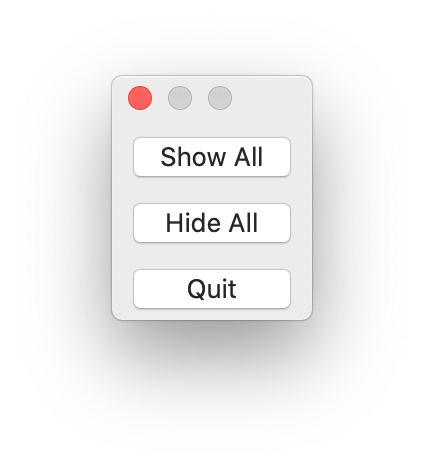
When you open the app, you’ll see three buttons:
- Show All: show all opened apps.
- Hide All: hide all opened apps (but don’t quit them).
- Quit: quit the application (only this app!).
Translations
The app supports the following languages:
- English (dev lang)
- Dutch